


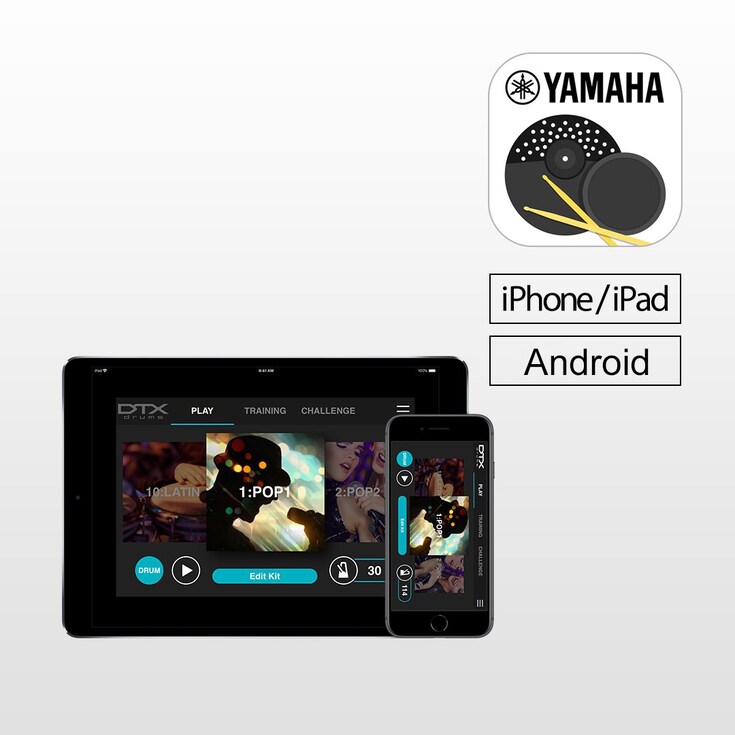
DTX402 Touch 是 Yamaha DTX402 系列電子鼓專屬的 iOS/Android 應用程式,DTX402 Touch 有 10 種訓練模式和挑戰模式,讓您更快速精進,變成更優秀的鼓手。同時您也可選擇自訂鼓組音色、樂曲編號、設定節拍並調整觸發參數,輕鬆掃動就可以別具風格的方式演奏。* 要使用應用程式,您將需要使用 USB 連接線(A類轉B類)、 iPhone/iPad 的Lightning 對 USB 相機轉接器 或 Android 的 OTG連接線,連接您的智慧型裝置到 DTX。



功能
Get a Drummer's Certificate
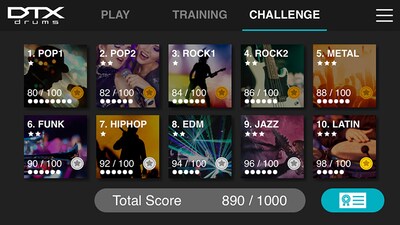
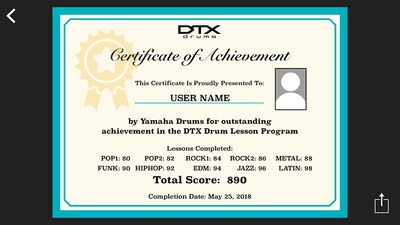
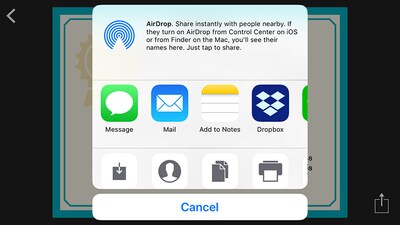
“Challenge Mode” is a new function on the DTX402 Touch that tests your skill. If you can play all 10 practice songs without making a mistake, you will receive a “Drummer’s Certificate” from the Yamaha DTX drum team that you can share via social media.

Learn While Having Fun
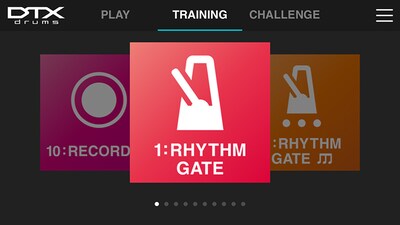
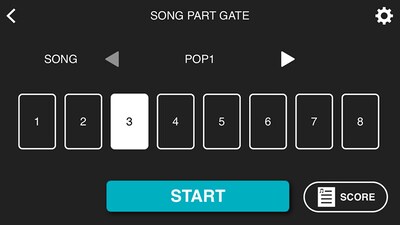
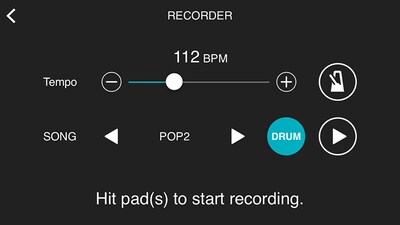
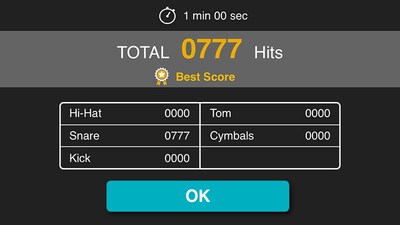
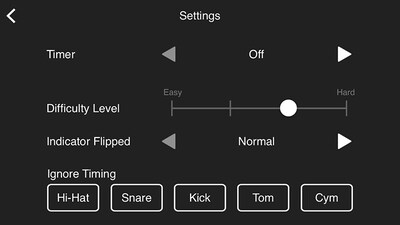
Specially designed for drummers at any skill level, the DTX402 Touch has 10 Training Modes designed to make you a better player, faster. The exercises are a fun way to learn to read drum music notation, play with dynamics and develop your sense of timing. "Rhythm Gate" improves your timing accuracy by only allowing you to play rhythms in time with the metronome. “Song Part Gate" teaches you to play each part of the song with correct timing while the "Recorder" function lets you record a drum solo or play along with a song to self-assess your performance. You can also use "Fast Blast" to count the number of drum stokes made within a set period of time. This helps to increase your speed and build stamina.
Make Customized Drum Kits
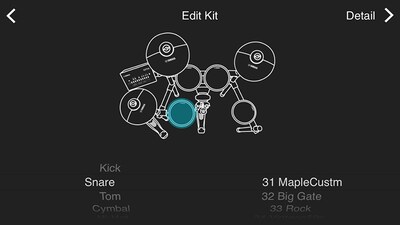
Personalize each of the 10 drum kits with over 280 drum and percussion sounds. Simply touch the drum pads on your screen to change or select a sound, and edit them with tuning, volume, panning, mute and reverb to create your own sound quickly and easily.
Simple and Intuitive Control
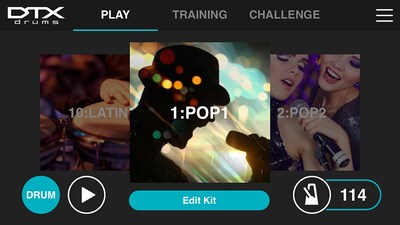
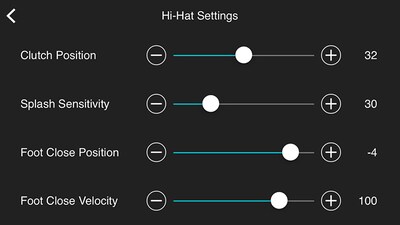
With a simple swipe, you can select and customize kits, song numbers, set up metronome and adjust the trigging parameters for your playing style. You can view this information while playing in Training Mode and learn how to play preset songs with instructional videos featuring industry professionals.
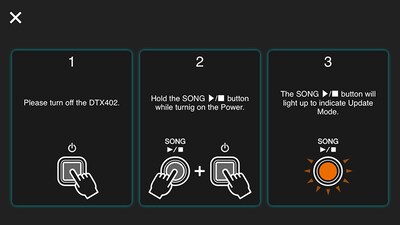
Update Utility
By connecting DTX402 Touch with your smart device and selecting the “Version” tab on the “Menu” screen, the app ensures that your firmware is up to date, so there is no need to download firmware data or connect DTX to your PC.

音訊與視訊
演奏者影片
-
川口千里使用 Yamaha DTX402 演奏 - 用你最快的速度打擊!-
-
川口千里使用 Yamaha DTX402 演奏 - 享受練習演奏樂曲的樂趣-
教學影片
-
Yamaha「DTX402 Touch」應用程式簡介挑戰模式
-
Yamaha「DTX402 Touch」應用程式簡介練習模式
-
Yamaha「DTX402 Touch」應用程式簡介演奏模式
Initialise Kit
INITIALISE KIT
Using the DTX402 Touch you can change the settings of the Preset Kits.
If you wish to restore a Kit to it’s default settings please use the following procedure.
- Press the Mode switch to turn the "PLAY" light on.
- Select a music category you wish to initialize the corresponding kit using the number button [1] to [10].
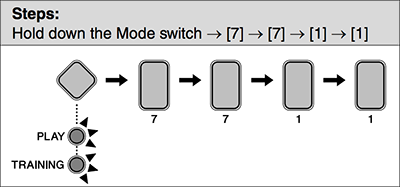
- Hold down the Mode switch to activate Menu Mode.
- Press the number button [7] to select the Other Settings.
- Press the number button [7] to select Initialize Kit.
- The number button [1] will light up.
- Press the number button [1].
- The number button will start to flash.
- If you do not wish to proceed with initialization, press the Mode switch now to exit Menu Mode.
- Press the number button [1].
- The kit will be initialized.
* 規格可能會隨時更改,恕不另行通知。顯示的色彩和外觀可能與實際產品不同。
